Cooking Adventure How to Redeem Codes & Gifts
Steam store promos and owner gifts on one side; mobile gift codes on the other—never mixed.
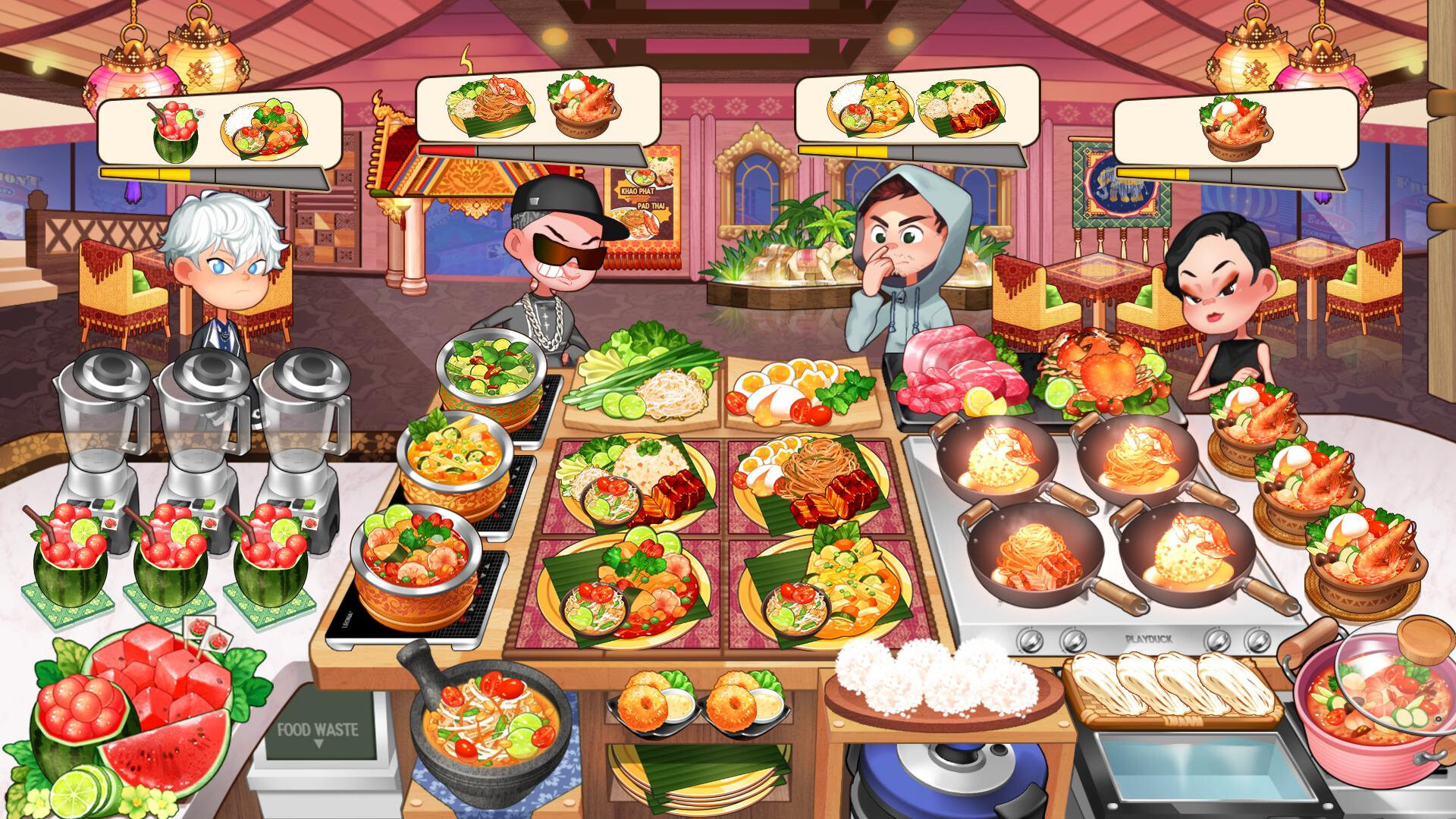
Players search “how to redeem Cooking Adventure codes” for two different products that share a name and a chef fantasy. This guide keeps them separate so you do not waste time pasting mobile strings into Steam or expecting Steam to behave like a free-to-play code board.
Part 1 — Steam PC (buy-once)
There is no classic in-game code box for currency packs
The Steam edition from BPMG Inc. (app 4729710) is sold as a premium base game. Official messaging emphasizes buying once and playing the included restaurants and stages without in-game currency purchases. Because of that model, you should not expect a permanent “Enter Code” screen that prints weekly gem packs the way many mobile live-ops titles do.
What you can redeem or claim on the Steam side:
- Steam store discounts at checkout
- Steam gift purchases (gifting the game to a friend through Steam)
- Official owner thank-you gifts announced after purchase
Redeeming the launch discount
- Open the Cooking Adventure Steam page.
- Confirm the introductory offer banner (launch messaging: 15% off, offer ending November 30, 2026 on the store timer).
- Click Add to Cart / purchase while the discount is active.
- Install on Windows or macOS, then launch from your library.
No coupon typing is required for the standard launch percentage off—Steam applies the store offer automatically.
Claiming the planned purchaser surprise gift
BPMG stated that a surprise gift for players who buy the game is planned. Launch thank-you posts described a package on the order of about 30,000 Tiara (enough framing for a full chef costume set), 100 Gems, and 100,000 Cony. Exact claim steps can include an automatic mailbox grant after a patch, a news-linked claim, or an in-client reward screen.
Recommended claim checklist:
- Own the Steam game on your account (demo ownership alone is not the same as full-game purchase).
- Update to the latest build when the gift announcement says rewards are live.
- Launch the game online if the patch notes require a server check.
- Open any in-game mail / inbox / notice UI called out in the Steam News post.
- If nothing appears, wait for a follow-up hotfix—do not buy gray-market “code lists.”
We will not invent a fake Steam code string here. When BPMG publishes an actual alphanumeric code for Steam owners, it will be listed on the Codes Hub with a source note pointing at Steam News—not at random tip blogs.
Steam gifts versus promo codes
If a friend “sends you Cooking Adventure,” that is usually a Steam gift or a Steam key redeemed through Games → Activate a Product on Steam. That unlocks the game license. It is not the same system as mobile gift codes for Cony.
Part 2 — Mobile Cooking Adventure gift codes (separate)
The mobile F2P title (Cooking Adventure internationally; My Little Chef in Korea) has years of gift-code culture: YouTube codes, event codes, anniversary codes, and partner drops. Those codes are redeemed inside the mobile app and credit mobile currencies.
Critical caveat
Mobile gift codes do not work on Steam.
Steam discounts and PC owner gifts do not fill mobile inventories.
Keep separate expectations for each platform even though chef branding overlaps (mobile often says Norma; Steam store features use Noma).
Typical mobile redemption steps
Exact menus shift with app updates, but the flow is usually:
- Update Cooking Adventure from the App Store or Google Play.
- Open the game and sign into the same account you want to receive rewards on.
- Find the Settings / Shop / Gift / Coupon / Redeem entry (wording varies by region and version).
- Enter the code exactly—letter case and hyphens matter.
- Confirm and check mail/inbox for Cony, gems, tickets, or costumes.
- Restart the app if the reward does not appear immediately.
Mobile troubleshooting
- Code expired or region-locked
- Code already used on the account
- Typo or extra space
- Old app version without the redeem UI
- Trying to enter the code on Steam or in a web browser storefront
If a mobile code fails, retry once carefully, then assume it is dead. Do not attempt the same string on Steam—it will not convert.
Part 3 — What to do with rewards after you claim them
Whether you received a Steam purchaser gift or a mobile drop, spend smart:
- Prioritize cooking stations, then ingredient speed, then cosmetics—see Upgrade Priority.
- Use costume currency to dress Noma after your kitchen can three-star current stages.
- Bank early currency with clean clears from Getting Started.
- Hard kitchens (Pasta, Ramen, Chinese) need throughput upgrades more than furniture—see Restaurant Difficulty.
Part 4 — Scam and fake-code checklist
Avoid any site that asks you to:
- Survey-gate a “Steam Cooking Adventure code generator”
- Download a random APK to unlock PC rewards
- Trade your Steam credentials for “free Tiara”
- Pay outside Steam for unofficial currency
Official channels worth watching: Steam News for app 4729710, BPMG social accounts linked from the store page, and in-game notices after patches. The Steam launch timeline summarizes what was promised at release.
Quick reference
| Goal | Where | How |
|---|---|---|
| Cheaper PC copy | Steam store | Launch 15% offer through Nov 30, 2026 |
| Owner thank-you gift | Steam game client / official news flow | Buy game, update, claim when enabled |
| Activate a Steam key | Steam client | Games → Activate a Product |
| Mobile gift code | Mobile app only | In-game redeem UI |
| Cross-save codes | Nowhere | Platforms do not share gift codes |
For the November 19 Tiara/Gems/Cony package, read the dedicated Owner Thank-You Gift guide and Costumes & Tiara before spending. Return to the Codes Hub for the short summary, and use the Wiki overview if you need links into guides, tiers, and tools.
Frequently Asked Questions
Quick answers for new and returning chefs.
Where do I type a code in the Steam version?
There is no standing currency-pack code shop like mobile. Use Steam checkout discounts, Activate a Product for keys, and official owner-gift claim flows when BPMG enables them.
Can I redeem a mobile code on PC?
No. Mobile gift codes only work in the mobile Cooking Adventure client.
I bought the game but do not see the surprise gift yet.
Wait for the patch or news post that enables delivery, update the client, and check in-game mail. Demo ownership is not the same as purchasing the full game.
Does the 15% launch discount need a coupon code?
No. Steam applies the introductory store offer automatically while it remains active.